
QR Code Generator Create Custom QR Codes Free
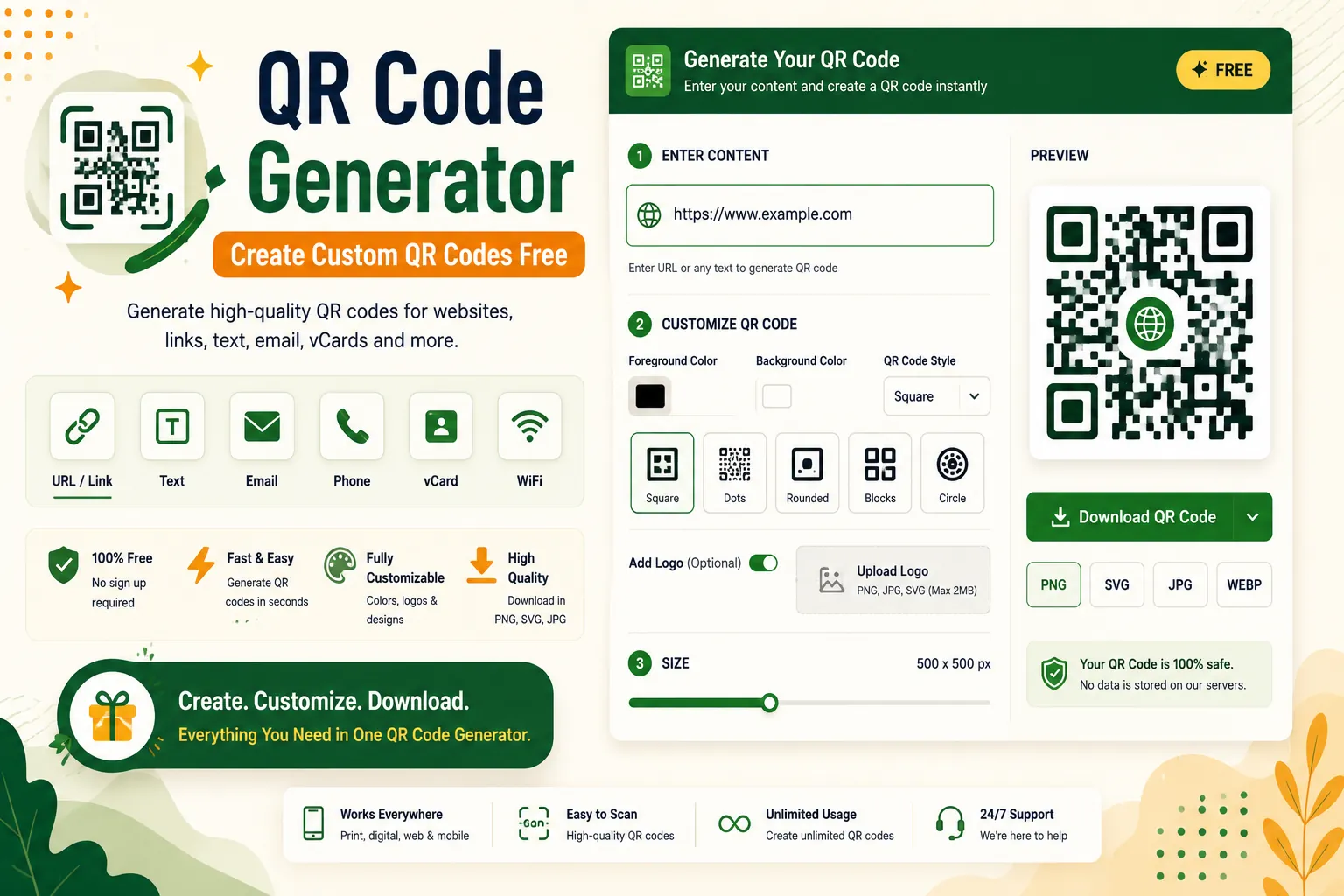
Create custom QR codes for any URL, text, WiFi network, or contact. Download high quality PNG or SVG files. Free forever, no sign-up.
About This Tool
QR Codes Are Everywhere Make Your Own
From restaurant menus to product packaging, QR codes have become essential in our digital world. They bridge the gap between physical and digital experiences seamlessly. With our generator, you can create professional QR codes in seconds.
What Can You Create QR Codes For?
- Website URLs: Direct people to your site, landing page, or portfolio
- WiFi Networks: Let guests connect without typing passwords
- Contact Information: Share vCards that auto populate phone contacts
- Plain Text: Encode any message or information
- Email Addresses: Create mailto links that open email apps
- Phone Numbers: Trigger calls when scanned
- SMS Messages: Pre-fill text messages
Customize Your QR Code
Gone are the days of plain black and white QR codes. Our tool offers:
- Color customization: Match your brand colors
- Size options: From 128px to 1024px
- Error correction levels: L, M, Q, or H for better scanning
- Format options: PNG for digital use, SVG for print
- Margin control: Adjust quiet zone for better scanning
How We Generate QR Codes
Our tool uses the QR code algorithm to generate codes entirely in your browser. No data is sent to any server. The generation happens locally using JavaScript, which means:
- Instant generation: No waiting for server responses
- Complete privacy: Your data never leaves your device
- Unlimited usage: No API limits or rate restrictions
- Offline capability: Works without internet after page load
QR Code Best Practices
1. Test before printing: Always scan your QR code with multiple devices before committing to print.
2. Ensure contrast: Dark codes on light backgrounds work best. Avoid inverted or low-contrast designs.
3. Size appropriately: For print, QR codes should be at least 2cm x 2cm. For digital, aim for 100px minimum.
4. Add context: Tell people what the QR code does. "Scan for WiFi" is better than an unexplained code.
Frequently Asked Questions
Common questions about QR Code Generator Create Custom QR Codes Free
01Are QR codes free to generate?
02Can I generate QR codes for commercial use?
03Do QR codes expire?
04What's the best format to download?
05Can I add my logo to the QR code?
User Reviews
Share your experience with this tool