
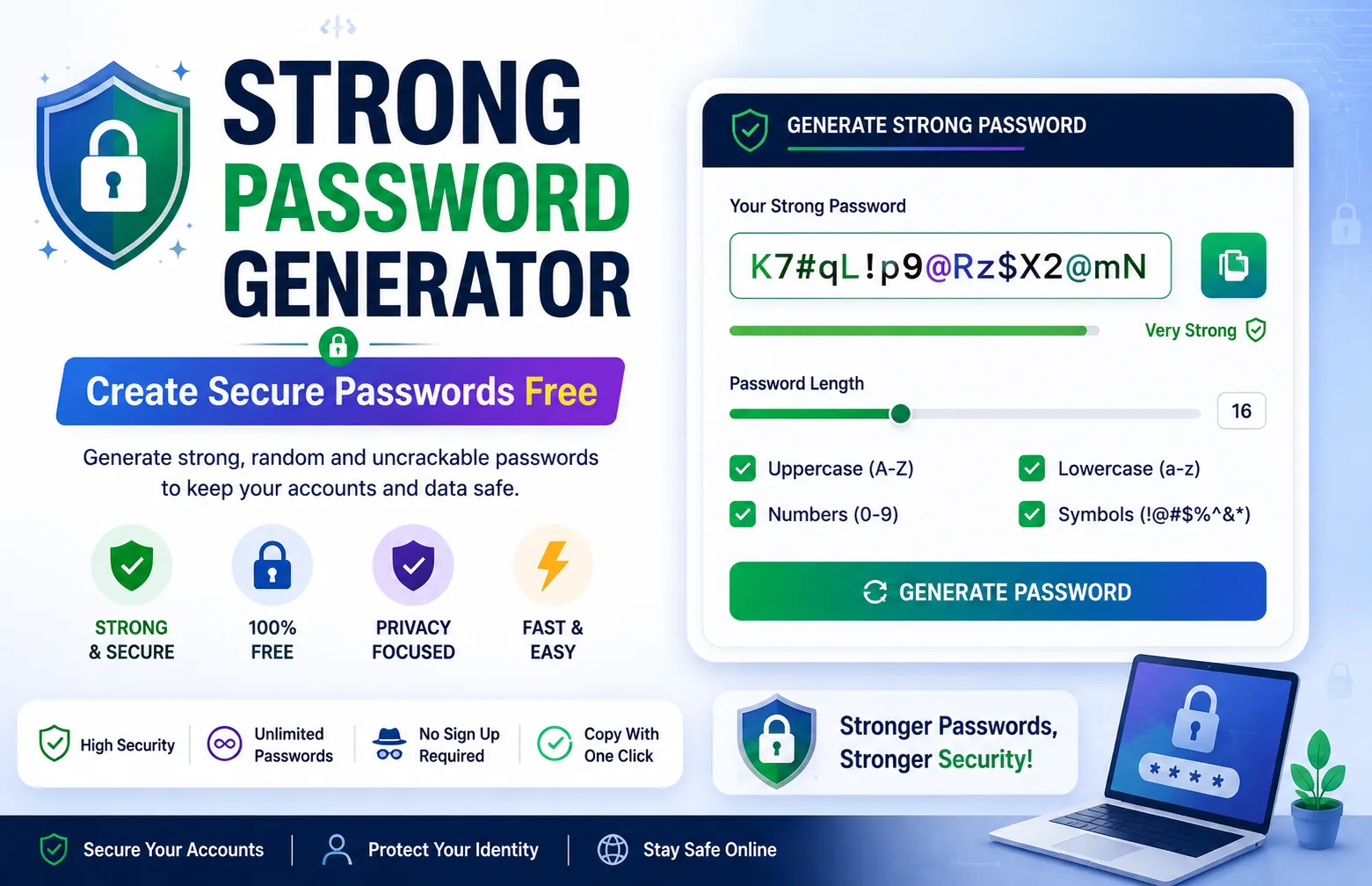
Strong Password Generator Create Secure Passwords Free
Create ultra-secure passwords instantly. Choose your length, include special characters, and copy with one click. Works offline your passwords never leave your browser.
About This Tool
Why Your Passwords Are Probably Terrible
Let's be real most people use the same password everywhere. Maybe it's your pet's name, your birthday, or the classic "password123". If that's you, you're one data breach away from having every account compromised.
A strong password generator solves this problem by creating random, unguessable passwords that even the most powerful computers would take billions of years to crack.
What Makes a Password Strong?
- Length matters most: 16+ characters is ideal
- Mix of character types: Uppercase, lowercase, numbers, symbols
- No dictionary words: Random combinations beat real words always
- Unique per account: Never reuse passwords across sites
How Our Generator Works
Our tool uses cryptographically secure randomization to generate passwords. Unlike some tools that use basic Math.random(), we use the Web Crypto API, which provides true randomness the same technology used in banking applications.
You can customize:
- Password length (8 to 64 characters)
- Include/exclude uppercase letters
- Include/exclude numbers
- Include/exclude special symbols
- Generate multiple passwords at once
Privacy First Always
Here's the thing about most online password generators: you don't know what's happening behind the scenes. Some store generated passwords on their servers. Some sell your data. Some have been caught logging IP addresses.
Our tool runs 100% in your browser. No server requests, no database, no tracking pixels. The password you generate exists only on your screen until you copy it. Close the tab, and it's gone forever.
Best Practices for Password Security
1. Use a password manager: Generated passwords are hard to remember. Let a manager store them securely.
2. Enable two-factor authentication: Even if someone gets your password, 2FA adds another layer of protection.
3. Change passwords after breaches: If a service you use gets hacked, change that password immediately.
Frequently Asked Questions
Common questions about Strong Password Generator Create Secure Passwords Free
01Are the passwords really random?
02Do you store generated passwords?
03How many passwords can I generate?
04Can I generate passwords offline?
05What's the best password length?
User Reviews
Share your experience with this tool