
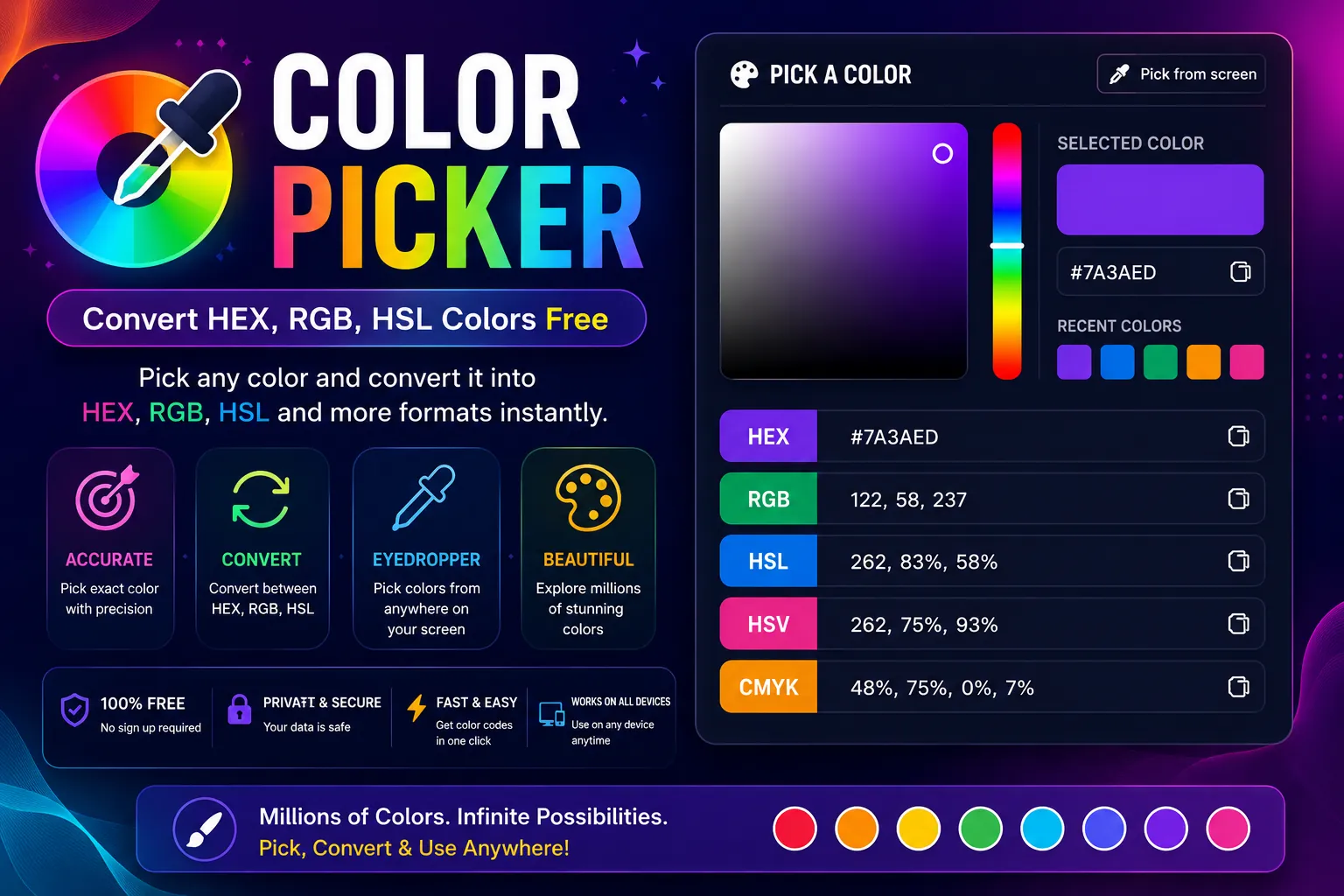
Color Picker Convert HEX, RGB, HSL Colors Free
Pick colors from a visual palette or enter color codes. Convert between HEX, RGB, and HSL formats instantly. Generate complementary color schemes.
About This Tool
Every Designer Needs a Good Color Picker
Color is one of the most important elements of design. It affects mood, perception, and user behavior. But choosing the right color and converting it to the format your project needs can be surprisingly complicated.
Our color picker makes it simple. Pick a color visually, enter a code, or generate a palette. Convert between formats with zero effort.
Supported Color Formats
- HEX: The standard for web design (#FF5733)
- RGB: Used in graphic design and image editing (rgb(255, 87, 51))
- HSL: Intuitive for designers (hsl(12, 100%, 60%))
- RGBA: RGB with opacity for transparent effects
- HSLA: HSL with alpha channel
How Designers Use This Tool
Web designers: Convert brand colors from HEX to RGB for use in CSS variables.
UI/UX designers: Generate color palettes with harmonious combinations.
Graphic designers: Match colors across different design tools that use different formats.
Developers: Convert designer-provided colors to the format needed in code.
Color Harmony Made Simple
Beyond basic conversion, our tool offers color harmony suggestions:
- Complementary: Colors opposite on the color wheel
- Analogous: Colors next to each other
- Triadic: Three colors evenly spaced on the wheel
- Monochromatic: Variations of the same hue
These suggestions help you create cohesive, professional-looking designs even if you don't have formal design training.
100% Free and Browser-Based
No download, no account, no cost. The tool works entirely in your browser using the HTML5 color input and JavaScript color conversion algorithms. Your color choices stay on your device.
Frequently Asked Questions
Common questions about Color Picker Convert HEX, RGB, HSL Colors Free
01Can I pick colors from my screen?
02How do I convert RGB to HEX?
03What's the difference between RGB and HSL?
04Can I save color palettes?
05Is this tool really free?
User Reviews
Share your experience with this tool