
Base64 Encoder & Decoder Free Online Base64 Tool
Encode or decode Base64 data instantly. Convert text to Base64 or Base64 back to readable text. Free tool for developers working with APIs.
About This Tool
What Is Base64 and Why Do You Need It?
Base64 is an encoding scheme that converts binary data into ASCII text. It's used everywhere in web development from embedding images in CSS to transferring data through APIs that only accept text.
If you've ever seen a string of random looking characters ending with ==, that's Base64. It's not encryption it's encoding. Anyone can decode it, but it ensures data integrity during transport.
Common Base64 Use Cases
- Embedding images in HTML/CSS: Convert small images to Base64 to reduce HTTP requests
- API authentication: Encode username:password for Basic Auth headers
- Data URLs: Embed files directly in HTML or JSON
- JWT tokens: Decode the payload section of JSON Web Tokens
- Email attachments: MIME encoding for email transmission
How Our Base64 Tool Works
Using the tool is straightforward:
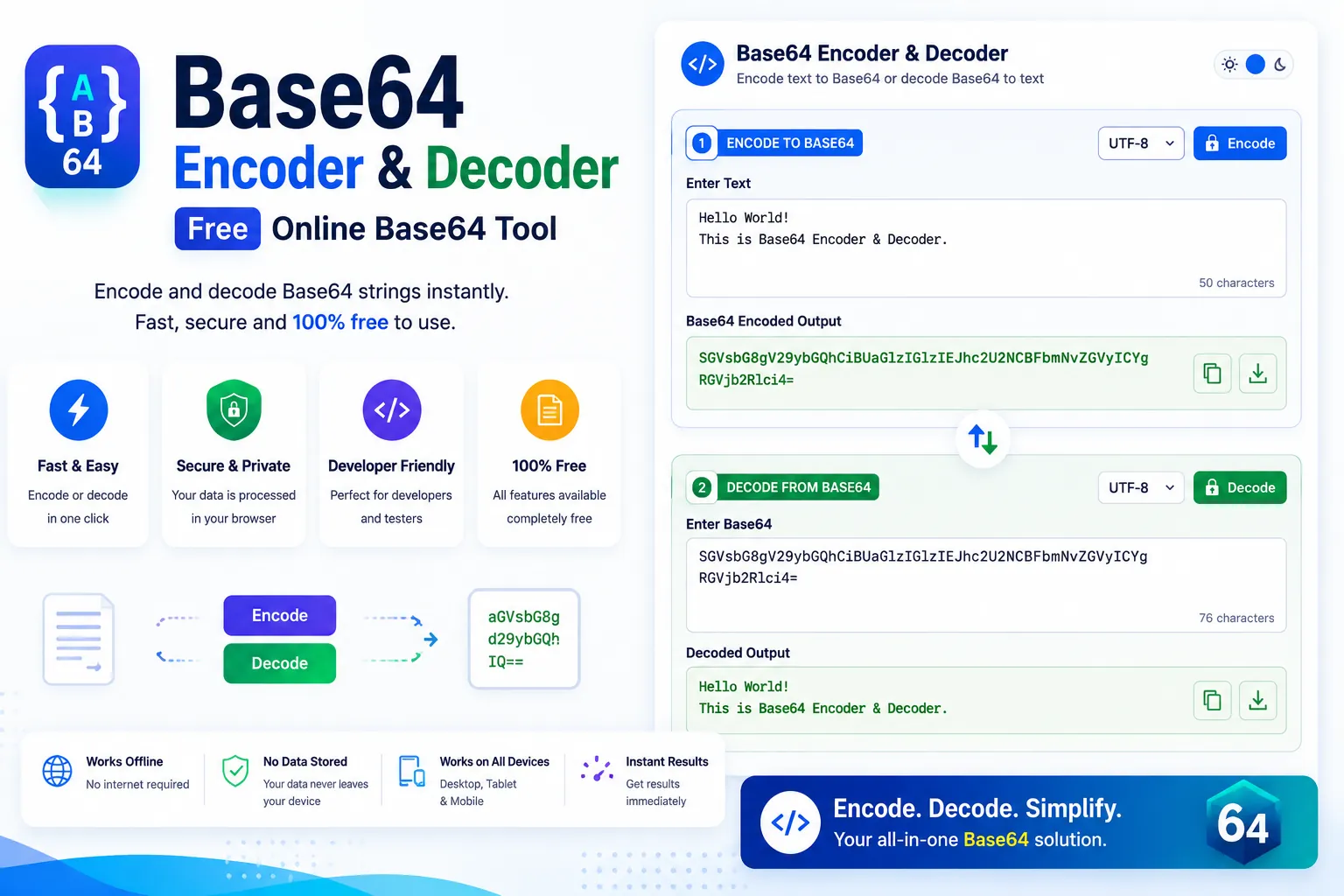
To encode: Paste your text or upload a file, click "Encode," and get the Base64 output instantly.
To decode: Paste Base64 encoded text, click "Decode," and see the original content.
The tool handles:
- Plain text
- Unicode characters (UTF-8 support)
- Binary data
- Large files up to 10MB
Why Developers Choose This Tool
Unlike other Base64 tools that send your data to a server for processing, ours runs entirely in your browser. This means:
- Faster processing: No network latency
- Better privacy: Your data never leaves your device
- Works offline: Use it without internet connection
- No file size limits: Process as much data as your browser can handle
Understanding Base64 Padding
You might notice that Base64 strings often end with = or ==. These are padding characters that ensure the encoded data length is a multiple of 4. The padding doesn't affect the data it's just there for completeness.
Our tool handles padding automatically. You don't need to worry about adding or removing = characters manually.
Frequently Asked Questions
Common questions about Base64 Encoder & Decoder Free Online Base64 Tool
01Is Base64 encryption?
02Can I convert images to Base64?
03Why does my Base64 string end with ==?
04Is this tool free for commercial use?
05Does it support UTF-8 characters?
User Reviews
Share your experience with this tool