
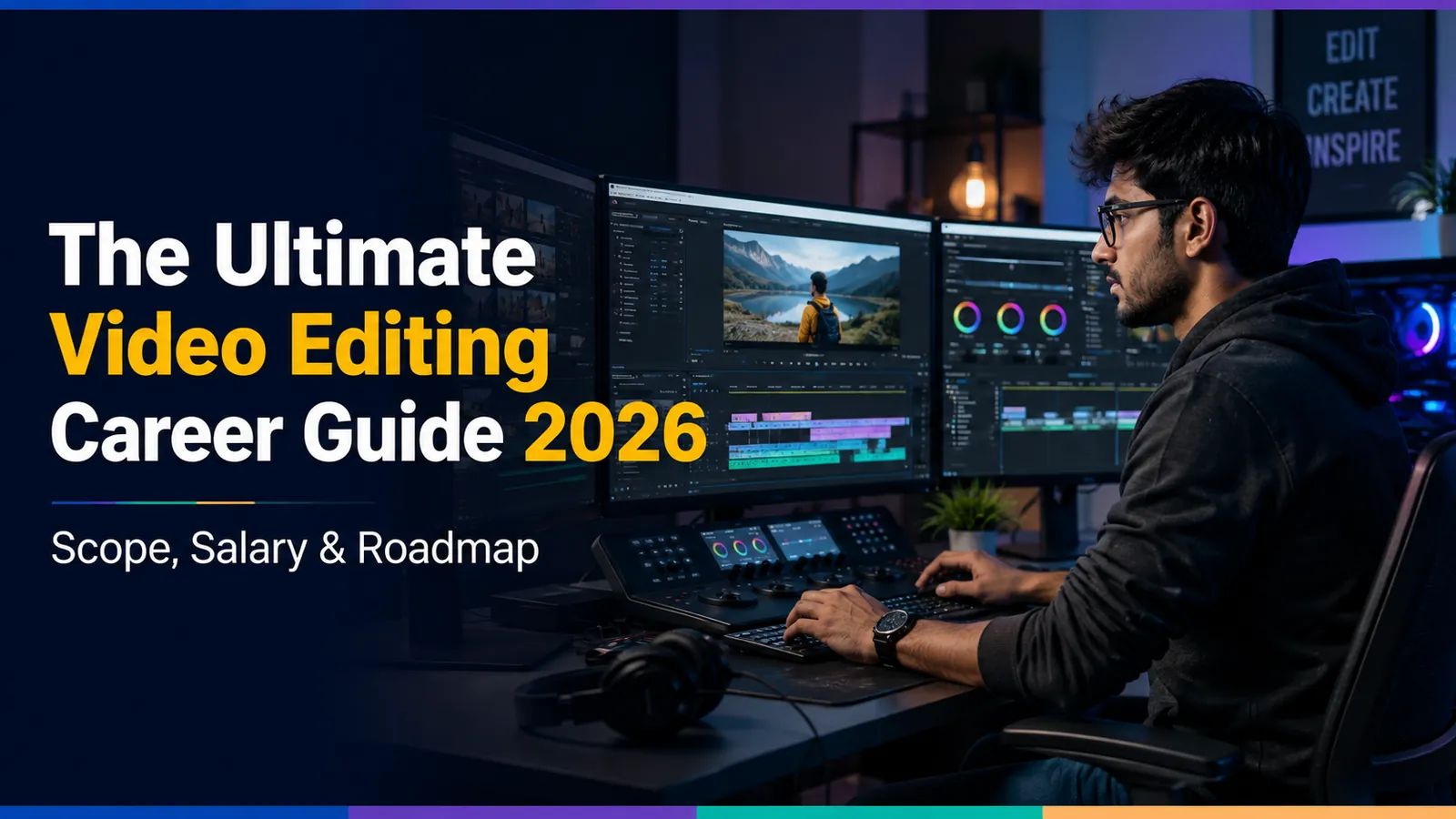
Video Editing Roadmap 2026: Complete Guide to Become a Professional Video Editor (With Salary)
Become a professional Video Editor in 2026 with this complete roadmap. Learn Premiere Pro, After Effects, DaVinci Resolve, color grading, and motion graphics with salary guide.
Learning Path
Follow these steps in order to master the skill
Before You Start
Basic computer knowledge
Interest in visual storytelling
Creative thinking
Patience for detailed work
Step 1Premiere Pro Fundamentals
2 months
Premiere Pro Fundamentals
Master Premiere Pro interface, basic cuts, transitions, audio editing, text overlays, and export settings.
Step 2Advanced Editing Techniques
2 months
Advanced Editing Techniques
Learn multi cam editing, speed ramping, masking, keyframing, and green screen compositing.
Step 3After Effects and Motion Graphics
2 months
After Effects and Motion Graphics
Master basic animation, transitions, visual effects, and expressions for professional motion graphics.
Step 4Color Grading with DaVinci Resolve
2 months
Color Grading with DaVinci Resolve
Learn color correction, color grading, LUTs, and node based workflow for cinematic looks.
Step 5Real World Projects
2 months
Real World Projects
Build portfolio with YouTube edits, Instagram Reels, product ads, wedding highlights, and motion graphics intros.
Step 6Freelance Business and Job Preparation
2 months
Freelance Business and Job Preparation
Create showreel, set up Upwork/Fiverr profiles, learn pricing and client management, start applying for editing jobs.
Skills You'll Master
8 skills you'll acquire through this roadmap
About This Roadmap
Video Editing Roadmap 2026: Complete Guide to Become a Professional Video Editor
Video content is exploding. YouTube, Instagram Reels, TikTok, corporate videos, wedding films, advertisements every brand and creator needs video editors. The demand for skilled video editors has never been higher.
Video editing is also one of the most accessible creative careers. You don't need a degree, you don't need expensive equipment to start, and you can learn everything from YouTube for free. With dedication, you can start earning within 3-6 months.
What You'll Learn:
- Video editing fundamentals and workflow
- Adobe Premiere Pro for professional editing
- After Effects for motion graphics
- DaVinci Resolve for color grading
- Audio editing and sound design
- YouTube and social media optimization
- Freelance business and client management
- Salary expectations and career growth
Why Video Editing is a Great Career in 2026
The numbers speak for themselves. YouTube has over 2.5 billion active users. Instagram Reels gets 200 billion views daily. Every business needs video content from product demos to marketing campaigns.
Freelance video editors earn ₹20,000-50,000 per month part-time. Full-time video editors earn ₹3-8 LPA at agencies. Top freelance editors earn ₹1-3 lakh monthly. YouTube editors for big creators charge ₹30,000-80,000 per month per client.
Month 1-2: Fundamentals and Premiere Pro
Start with the industry standard Adobe Premiere Pro.
| Skill | What to Learn | Difficulty |
|---|---|---|
| Interface | Timeline, panels, workspaces | Easy |
| Basic Edits | Cuts, trims, transitions | Easy |
| Audio | Levels, sync, background music | Medium |
| Text & Titles | Lower thirds, captions | Easy |
| Export | Formats, resolutions, compression | Medium |
Month 3-4: Advanced Editing Techniques
| Technique | Purpose | Difficulty |
|---|---|---|
| Multi-cam Editing | Multiple angle videos | Medium |
| Speed Ramping | Slow motion, time lapse | Medium |
| Masking | Selective effects | Advanced |
| Keyframing | Animation basics | Advanced |
| Green Screen | Chroma key compositing | Medium |
Month 5-6: After Effects and Motion Graphics
Motion graphics make your videos stand out. After Effects is the industry standard.
| Skill | Use Case | Difficulty |
|---|---|---|
| Basic Animation | Logo reveals, text animation | Medium |
| Transitions | Smooth scene changes | Medium |
| Visual Effects | Effects, compositing | Advanced |
| Expressions | Automated animations | Advanced |
Month 7-8: DaVinci Resolve and Color Grading
Color grading gives your videos a professional, cinematic look.
- Color Correction: Fixing exposure, white balance
- Color Grading: Creating mood and style
- LUTs: Using and creating color presets
- Node-based workflow: DaVinci Resolve's power
Month 9-10: Real-World Projects
| Project | Skills | For Portfolio |
|---|---|---|
| YouTube Video Edit | Full workflow | ✅ |
| Instagram Reel | Short form content | ✅ |
| Product Ad | Commercial style | ✅ |
| Wedding Highlight | Storytelling | ✅ |
| Motion Graphics Intro | After Effects | ✅ |
Month 11-12: Freelance Business and Job Preparation
| Skill | Importance | How to Learn |
|---|---|---|
| Portfolio | Essential | Showreel on YouTube |
| Client Management | Essential | Communication, revisions |
| Pricing | Essential | Market rates, packages |
| Upwork/Fiverr | Important | Profile optimization |
Salary Expectations
| Level | India (Monthly) | Freelance (Per Project) |
|---|---|---|
| Beginner | ₹15,000-30,000 | ₹500-2,000 per video |
| Intermediate | ₹30,000-60,000 | ₹2,000-5,000 per video |
| Expert | ₹60,000-1,50,000 | ₹5,000-15,000 per video |
Conclusion
Video editing is the perfect blend of creativity and technology. The demand is massive, the learning curve is manageable, and you can start earning quickly. Build your skills, create a portfolio, and start freelancing. Within 12 months, you can turn your creativity into a full-time career.
The video revolution is happening. Are you ready to be part of it?
Recommended Resources
Curated materials to accelerate your learning
Frequently Asked Questions
Common questions about Video Editing Roadmap 2026: Complete Guide to Become a Professional Video Editor (With Salary)
01Can I learn video editing without any experience?
02Which software is best for video editing beginners?
03How much do freelance video editors earn in India?
04Do I need a powerful computer for video editing?
05How do I find video editing clients?
Learner Reviews
Share your learning experience