
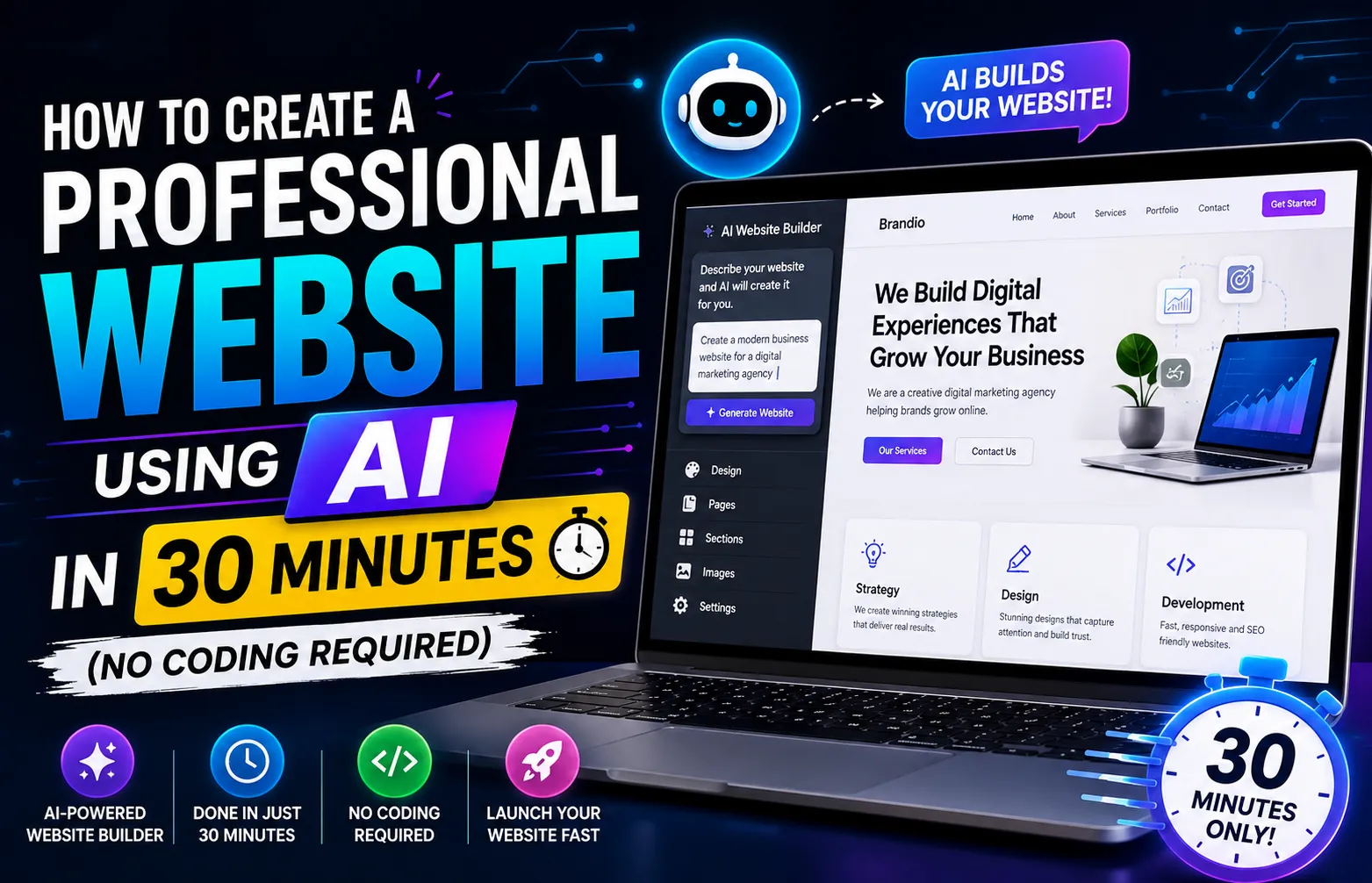
How to Create a Professional Website Using AI in 30 Minutes (No Coding Required)
Introduction: I Built a Website During My Lunch Break
Three months ago, my cousin called me in a panic. She had just started a small bakery business and needed a websiteby the weekend. She had zero coding experience and a budget of roughly $50.
Old me would have said, "Sorry, that's impossible." Instead, I told her, "Give me 30 minutes."
I opened my laptop, typed a description of her bakery into an AI website builder, and watched as a complete website materialized on screen. Professional design. Mobile-responsive layout. Contact form. Photo gallery. Even placeholder text that sounded exactly like her.
By the time I finished my sandwich, her website was live on the internet.
She now gets 15-20 orders per week through that website. This guide shows you exactly how I did it step by step, no technical jargon, no coding required.
What You'll Learn:
- 5 AI website builders compared (free and paid options)
- How to generate a complete website from a text description
- Using ChatGPT to write professional website copy
- Creating unique images with AI (no stock photos needed)
- Setting up a custom domain and going live
- SEO basics to get found on Google
Step 1: Choose the Right AI Website Builder
Not all AI website builders are created equal. After testing dozens, here are the five that actually deliver results:
| Tool | Best For | Starting Price | Free Plan? |
|---|---|---|---|
| Wix ADI | Small businesses, portfolios | $16/month | Yes (limited) |
| Hostinger AI Builder | Beginners, fastest setup | $2.99/month | No (30-day trial) |
| 10Web AI Builder | WordPress lovers | $10/month | 7-day trial |
| Framer AI | Design-focused sites | $10/month | Yes (basic) |
| Durable.co | Service businesses | $12/month | Yes (limited) |
** My Recommendation:** Start with Hostinger AI Builder if you want the fastest setup at the lowest price. Use Wix ADI if you need more design control and features. Both require zero coding knowledge.
Step 2: Generate Your Website in 5 Minutes
Here's the exact process I followed for my cousin's bakery website using Hostinger AI Builder:
1. Sign Up and Start
Create an account on your chosen platform. Click "Create with AI" or "AI Website Builder."
2. Describe Your Business
This is the most important step. The AI uses this description to build everything. Be specific:
Business Name: Sweet Dreams Bakery
Type: Home-based bakery specializing in custom cakes, cupcakes, and cookies
Location: Austin, Texas
Target Customers: Birthday party planners, wedding couples, local coffee shops
Style Preference: Warm, inviting, rustic-modern with pastel colors
Key Features Needed: Online ordering form, photo gallery of cakes, customer reviews section, contact page with map, Instagram feed integration
3. Let AI Work
Click "Generate" and wait 2-3 minutes. The AI creates your complete website structure, design, and placeholder content.
4. Review and Customize
The AI gives you a fully functional website. Now you customize colors, fonts, images, and text to match your brand. Everything is drag-and-drop.
** Pro Tip:** Generate 2-3 different versions and choose the best one. Most AI builders let you regenerate with the same description. Each version will be slightly different.
Step 3: Write Professional Content with ChatGPT
AI website builders create placeholder text, but it's often generic. Here's how I used ChatGPT to write compelling content for my cousin's bakery:
Homepage Headline and Tagline
Prompt: I run a home bakery called Sweet Dreams Bakery in Austin, Texas. We specialize in custom cakes for birthdays and weddings. Write 5 homepage headline options that are warm, inviting, and professional. Each should be under 10 words. Target audience: people planning celebrations.
About Page
Prompt: Write a 200-word "About Us" page for Sweet Dreams Bakery. Include: founder's passion for baking (learned from grandmother), 5 years of experience, use of organic ingredients, and commitment to creating memorable celebration cakes. Use warm, personal tone. Include a line about serving the Austin community.
Product Descriptions
Prompt: Write 3 product descriptions for:
1. Custom Birthday Cakes (starting at $65)
2. Wedding Cake Packages (3 tiers, consultation included)
3. Cupcake Boxes (12 assorted flavors)
Step 4: Create Unique Images with AI (No Stock Photos)
Stock photos scream "generic." AI image generators create unique, on-brand visuals:
| Tool | Best For | Cost |
|---|---|---|
| DALL-E 3 | Creative, artistic images | Included in ChatGPT Plus ($20/month) |
| Canva AI | Social media graphics, banners | Free / Pro $13/month |
| Midjourney | High-quality professional photos | $10/month |
| Leonardo AI | Product mockups | Free tier available |
Example prompts I used for the bakery:
A beautifully decorated three-tier wedding cake with white frosting and fresh flowers, placed on a rustic wooden table, soft natural lighting, professional food photography style
Step 5: Essential Pages Every Website Needs
Don't overcomplicate your first website. These six pages cover 95% of what visitors need:
- Homepage: Who you are, what you do, and why visitors should care (within 5 seconds)
- About: Your story, credentials, and personality. People buy from people they trust
- Services/Products: What you offer with clear pricing or starting prices
- Contact: Multiple ways to reach you—form, email, phone, and physical location if applicable
- FAQ: Answer the 5-7 most common questions you receive
- Privacy Policy: Required for legal compliance and builds trust
Step 6: Set Up Your Custom Domain
A custom domain (like sweetdreamsbakery.com) makes you look professional. Here's how to get one:
Option 1: Through Your Website Builder (Easiest)
Most AI builders offer domain registration as part of their plans. One-click setup, no technical configuration needed. Price: $10-15/year.
Option 2: Buy Separately (Cheaper)
Buy from Namecheap, GoDaddy, or Google Domains ($8-12/year), then connect it to your website builder. Takes about 10 minutes with the builder's setup guide.
** Important:** Avoid domains with hyphens, numbers, or unusual spellings. Keep it short, memorable, and easy to spell aloud. Check social media handles are available before finalizing.
Step 7: Launch and Get Found on Google
Having a website isn't enough people need to find it. Here's your launch checklist:
Before Launch Checklist:
- All text proofread and personalized (no AI placeholder text)
- Mobile version tested on phone and tablet
- Contact form working (send yourself a test message)
- All links working (no broken pages)
- Page titles and descriptions set for SEO
- Privacy policy page published
- Loading speed under 3 seconds
After Launch: Get on Google
- Submit to Google Search Console: Free tool that tells Google your website exists. Takes 5 minutes to set up.
- Create a Google Business Profile: Essential for local businesses. Appears in Google Maps and local search results.
- Share on social media: Instagram, Facebook, LinkedIn wherever your customers hang out.
- Ask for reviews: The fastest way to build credibility for a new website.
How Much Does This Actually Cost?
| Item | Budget Option | Professional Option |
|---|---|---|
| Website Builder | $2.99/month (Hostinger) | $16/month (Wix) |
| Custom Domain | $8/year (Namecheap) | Included in plan |
| AI Images | Free (Canva AI, Leonardo) | $20/month (ChatGPT Plus) |
| Content Writing | Free ChatGPT | $20/month (ChatGPT Plus) |
| Total Year 1 | ~$44 | ~$192 |
Money-Saving Tip: Start with the budget option. Upgrade to professional tools only when your website starts generating revenue. My cousin still uses the $2.99/month plan and her website works perfectly.
Common Mistakes to Avoid
Mistake 1: Using AI Content Without Editing
AI-generated text is a starting point, not the final product. Always add personal stories, specific details about your business, and your unique voice. Customers can spot generic AI content instantly.
Mistake 2: Trying to Make Everything Perfect Before Launch
Your first version won't be perfect and that's okay. Launch with essential pages, then improve based on real feedback. A live imperfect website beats a perfect unpublished one.
Mistake 3: Ignoring Mobile Users
60% of web traffic comes from phones. Always preview and test your website on mobile before launching. AI builders handle responsive design, but you should verify.
Mistake 4: Forgetting About Speed
If your website takes more than 3 seconds to load, 40% of visitors leave. Compress images before uploading. Remove unnecessary animations. Use your builder's built-in speed optimization tools.
Final Thoughts: Start Today, Not Tomorrow
The biggest barrier to having a website used to be technical knowledge. AI has completely removed that barrier. If you can describe your business in a paragraph, you can have a professional website in 30 minutes.
My cousin's bakery website cost her $44 for the entire first year. She's received over 200 orders through it. That's a return on investment that no traditional web development could match.
Don't wait until you "have time" or "learn more." Open an AI website builder right now. Type a description of what you do. In the time it takes to watch an episode of your favorite show, you'll have a live website.
The only thing standing between you and your website is a single text description. Start typing.